
Free
Summary
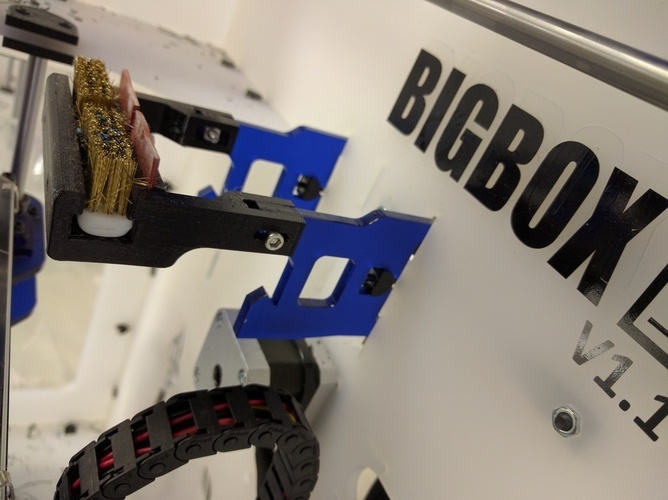
This is an alternative to mounting the IR Sensor to the Printhead. Simply replace one of the Z-Axis Drives Supports with this, wire in the IR Sensor Cable through the Heated-Bed Drag Chain, Affix the IR Sensor to the mount, bolt the two together and away you go.
Perfect if you just want to use Mesh Leveling as it will give a consistent reading.
Position the IR Sensor facing upwards towards the Upper Support.
Requires |
2 x M3 12mm Screws (Bag 9).
2 x M3 Square Nuts (Bag 6).
2 x M2.5 6mm Screws (Bag 5).
2 x M2.5 Square Nuts (Bag 4).
*This is untested so any feedback would be great :)
Updates
14-06-16 | Altered to lift the sensor up higher.
27-05-16 | Added STP file. Print Settings
Printer:
BigBox Rafts:
No Supports:
No Resolution:
0.25mm Infill:
20% Notes:
Print with E3D's Edge ;)
Loading prints...
Z-Axis Bed IR Sensor Mount.
0
likes
0
collections
Tags:

Creative Commons Attribution-ShareAlike
You can distribute, remix, adapt, and build upon the material in any medium or format, as long as attribution is given and your contributions are under the same license.
 Licensed under CC BY-SA
Files Included
2 downloadable files:
Free download - login required
Downloaded: 29 times
Downloaded: 29 times


Loading comments...