


Summary
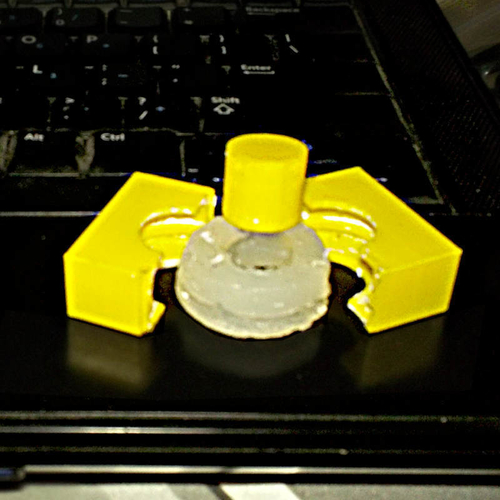
Create your own view-master compatible picture reels!
Say, like if you wanted a disc of your wedding photos or your kids at the park... or even your latest Blender 3D model.
You can customizer this thing for playing around, but generally speaking the generated files and the process below should give you everything you need.
Inspired by: https://www.thingiverse.com/thing:28391
Creating Your Own Disc
1) Print two of the "half_less_film" stl or cut two of the dxf in your paper cutter.
NOTES:
1) You can do the dxf and cut it manually with a hobby knife, so the only printer you really need is an inkjet for the photos!
2) If doing the dxf, you may want to print the captions on the cardstock first.
3) Caption is 90 degrees and above the photo-pair it refers to. 2) Create Photos
Images are a pair of pictures with the camera shifted horizontally 65mm (approx 2 9/16in) between shots.
You can do this with a physical camera, or a virtual camera within a 3D program. 3) Print Photos
Using the svg file in a program like inkscape, scale place all photo pairs in their correct slots.
Place them below the svg layer and the corners will be clipped nicely.
TIPS:
1) Photo pair is exactly 180 to one another, but oriented the SAME DIRECTION.
2) The bottom of each photo should be toward the nearest cog hole.
Print this on transparency film (I have not tested this) and cut around the outside edge with scissors or a hobby knife. 4) Assembly
Glue transparent film wheel between the wheel halves, being careful not to get any on the viewing area.
(I'm guessing cyanoacrylate "super" glue will work.)
Loading prints...
Custom View-Master Disc
1
like
0
collections
Tags:
Creative Commons Attribution
You can distribute, remix, adapt, and build upon the material in any medium or format, as long as attribution is given to the creator.
 Licensed under CC BY



Loading comments...